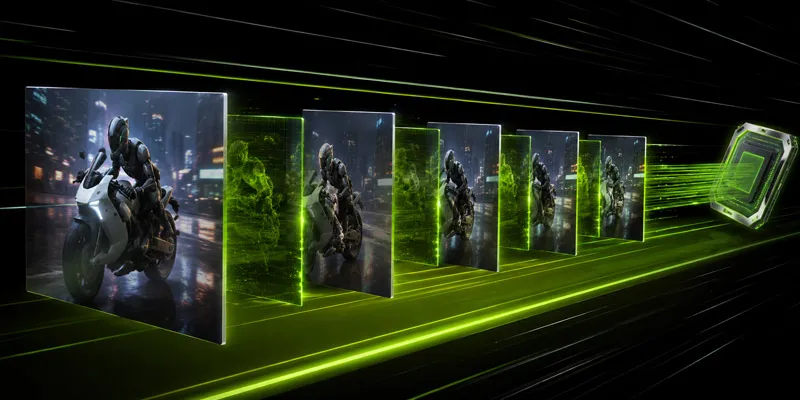
What DLSS 4 adds over DLSS 3
DLSS 3 introduced Frame Generation — rendering one in-game frame and inserting one AI-generated frame between it. DLSS 4 extends this to Multi Frame Generation: up to three AI-generated frames for every one rendered frame.
Why this matters
At 4K, native rendering is expensive. DLSS 4 in Quality mode renders at 1440p internally, then upscales to 4K. Multi Frame Generation then multiplies the output framerate — in practice, a game running at 40 native fps can output 120+ fps to your display.
The trade-offs
Latency: Generating frames adds display latency. NVIDIA Reflex is now mandatory alongside MFG to keep input latency acceptable. With Reflex enabled, most users won’t notice the difference.
Artifacts: Fast motion, transparent objects, and UI elements can produce visual artifacts with MFG enabled. NVIDIA’s fourth-gen transformer model significantly reduces these vs. DLSS 3, but they haven’t been eliminated.
GPU requirement: Multi Frame Generation requires RTX 50-series hardware. DLSS 4 Super Resolution (upscaling without MFG) runs on RTX 20-series and newer.
Should you use it?
If you have an RTX 5080 or 5090: yes, leave DLSS 4 Quality + MFG on for most games. If you’re sensitive to input latency (competitive FPS): test with Reflex and see if latency feels acceptable. If you have an older GPU: DLSS 4 Super Resolution still improves image quality vs. DLSS 3 on existing cards.